Shlink iOS shortcut
Create an iOS shortcut to generate short URLs with your Shlink instance, from ycy-0510.
Installation
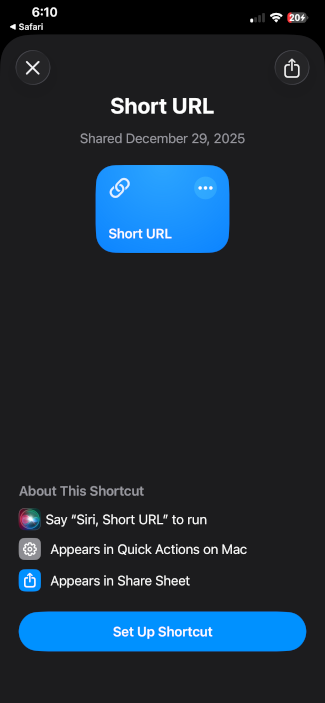
- Using an iOS device, go to https://shlink-shortcut.ycydev.org/, and click on “Get Shortcut”.
- Add the shortcut to your iPhone.
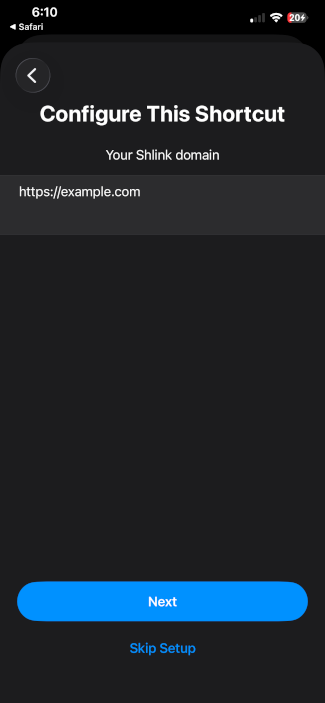
- Configure your custom domain (make sure you do not include a trailing slash).
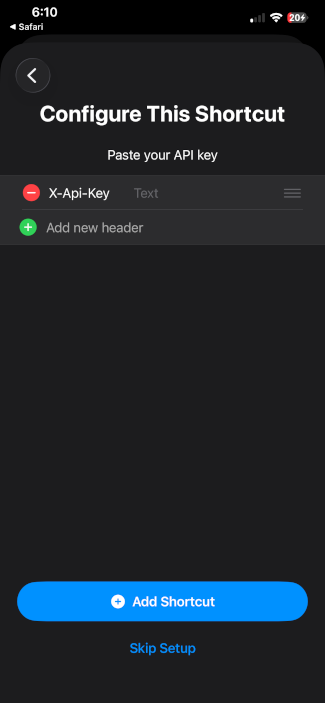
- Generate an API key and paste it here.
Usage
Share any link from iOS, then tap Short URL in the Share Sheet.
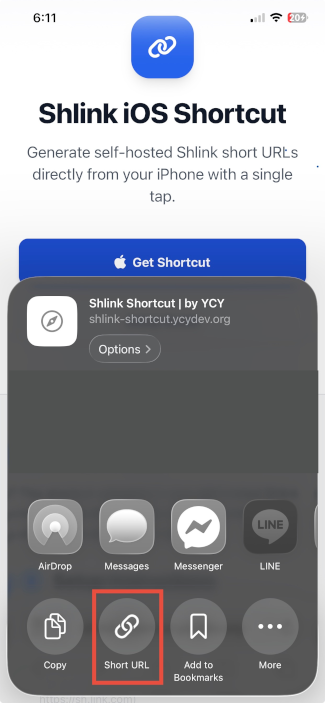
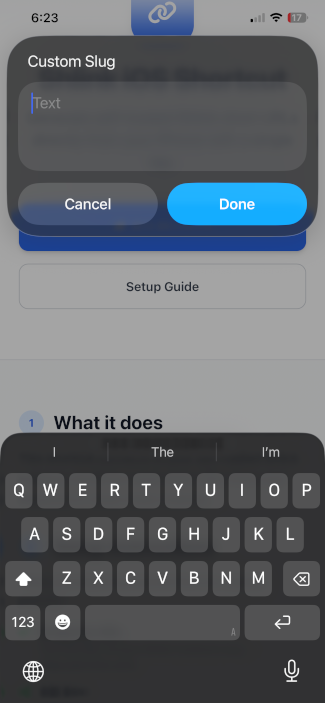
You can optionally set a custom slug, or leave it empty to let Shlink generate a random one.
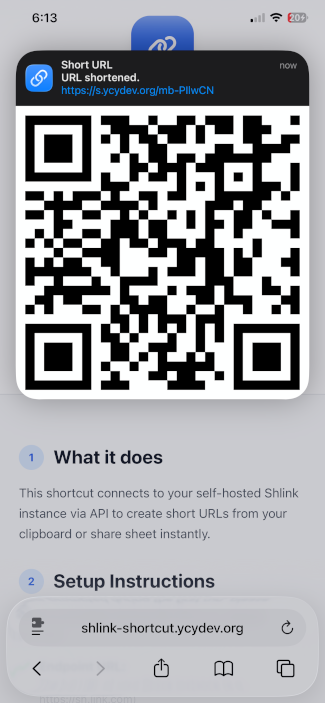
Once the short URL has been generated, it will be copied to the clipboard and show a notification.
Long-pressing the notification will display a QR code for the new link.